A mobile field journal
Audio recording
and field notes.
Fieldwork Recorder is a mobile audio recorder and journal for interviews, field observations and site visits.
Keep recordings, written notes, photographs, drawings, tags and optional location data together in dated entries.


01 — Features
Recording and documentation
- Audio recording
- Record M4A audio with selectable quality settings. Background recording is available, subject to the operating system and device settings.
- Notes and attachments
- Add formatted notes, photographs and drawings. Give each entry a title, date and tags. Notes are stored as Markdown.
- Location data
- Leave GPS off, save the start and end positions, or record a timed track. Where a track is available, the player can display the route alongside the audio.
- Diary and retrieval
- Browse entries by date, search titles, notes and tags, or filter by tag.
- Playback and editing
- Seek through a recording and adjust playback speed. Trim audio, remove a selection, extract a clip or split a recording. Edited audio can be saved as a copy.
- Export and backup
- Export a single entry or the full diary as a ZIP archive. Export recorded routes as GPX, KML or GeoJSON. Cloud sync is optional.
02 — Interface
App screens
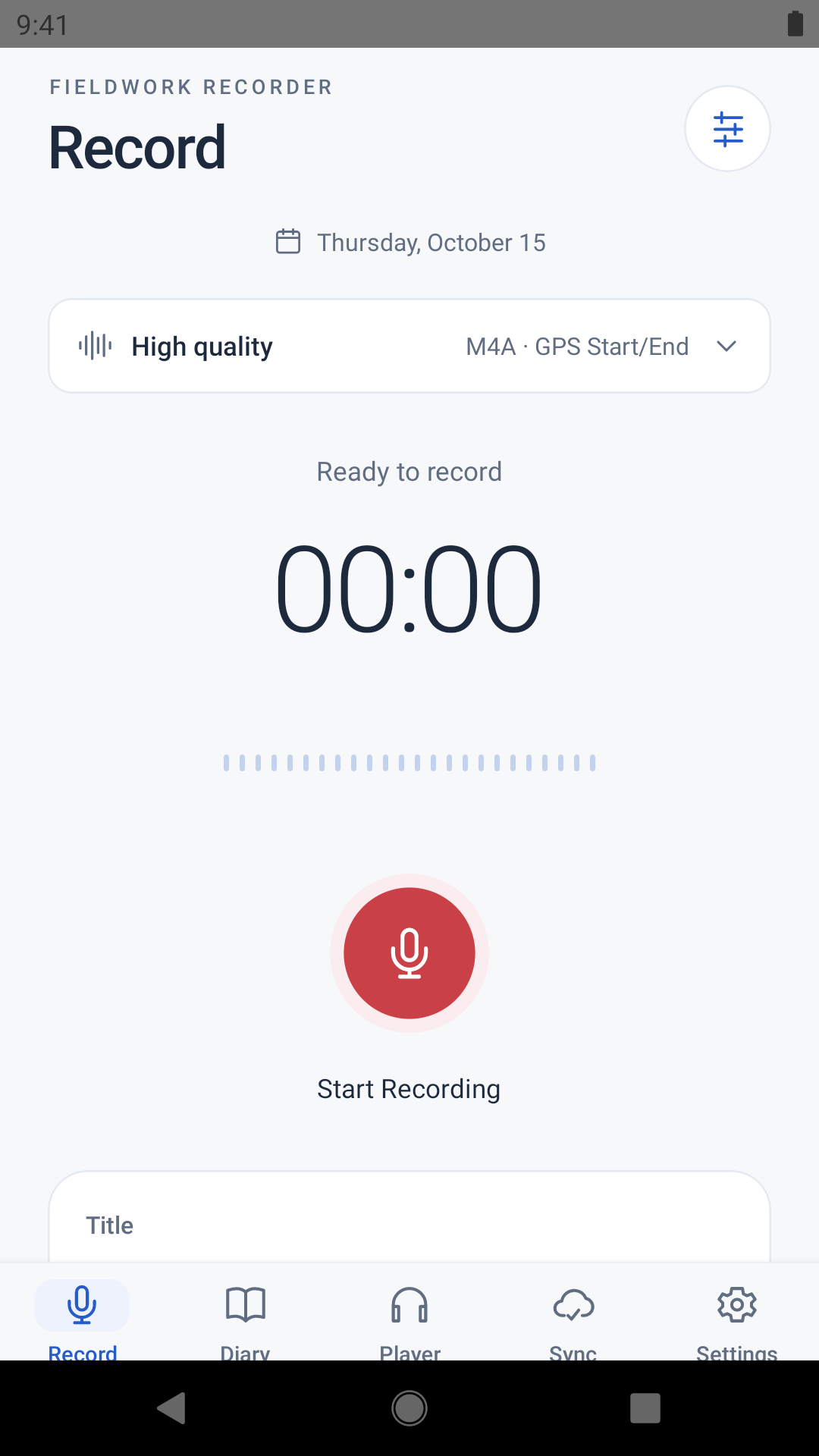
Android screenshots from version 1.4.6, using sample entries. Appearance and feature availability vary by platform and version.
Record an entry
Choose an audio quality and a location mode before recording. Add a title, notes, tags or attachments to document the session.
Location recording is optional. Microphone access is required to record audio.
Recording and journal guide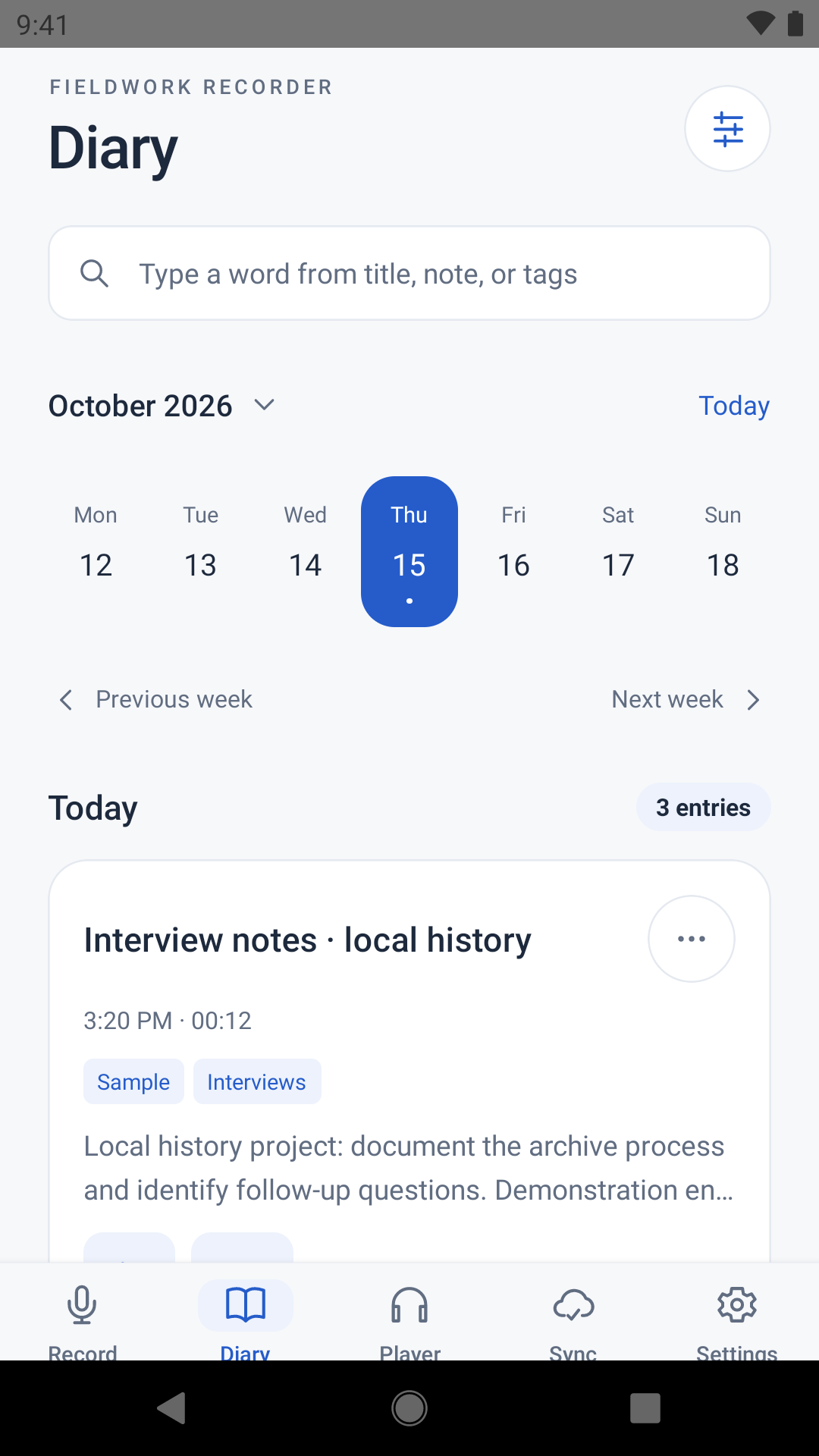
Browse and find entries
The diary groups entries by date. Search the text in titles, notes and tags, or apply a tag filter.
Each entry retains its written notes and attachments alongside the audio.
Diary and playback guide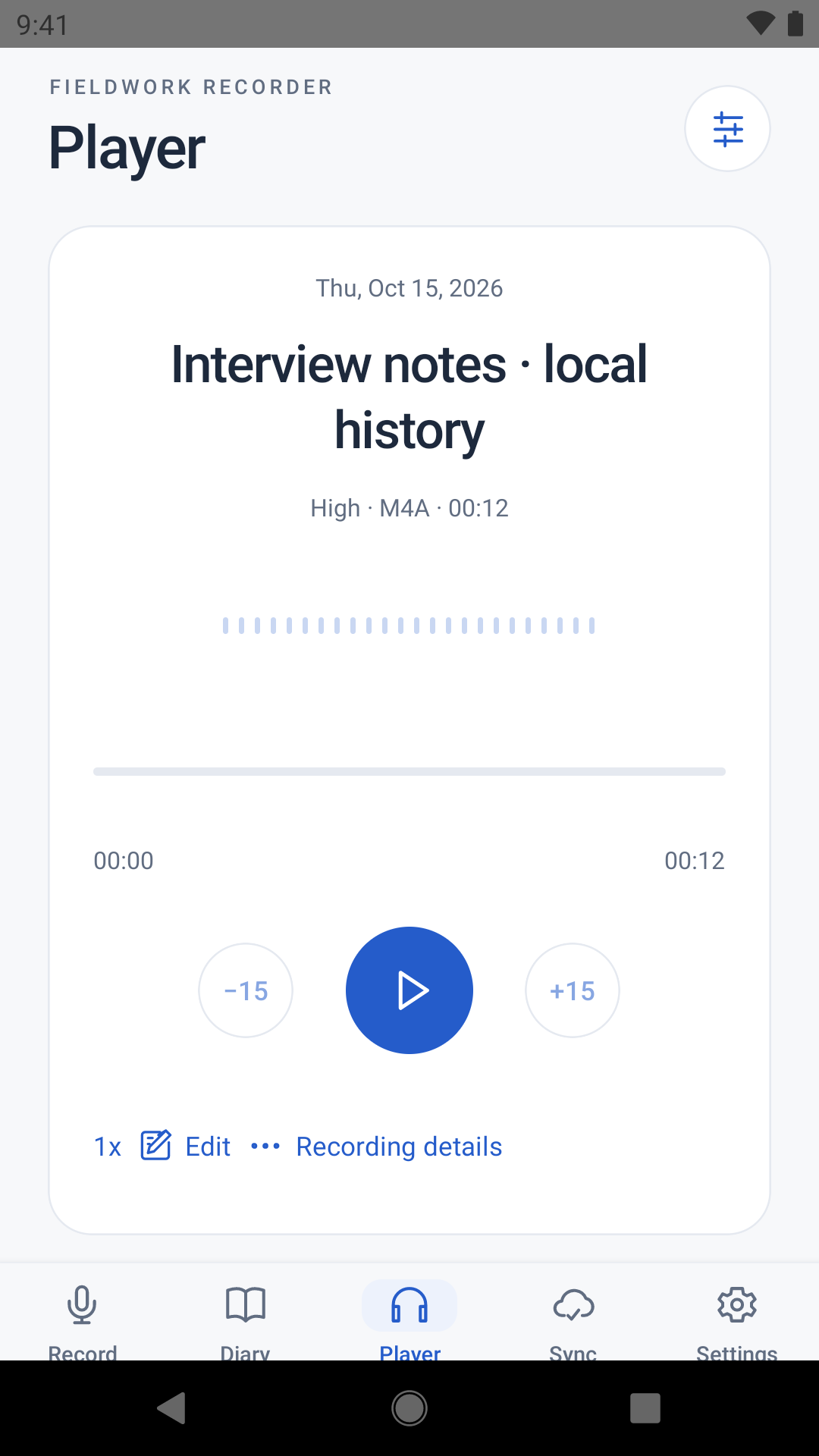
Listen and edit audio
Use the playback controls to navigate the recording or change its speed. Editing tools support trimming, cutting, extracting clips and splitting recordings.
For entries with a GPS track, route playback provides location context while listening.
Playback and editing guide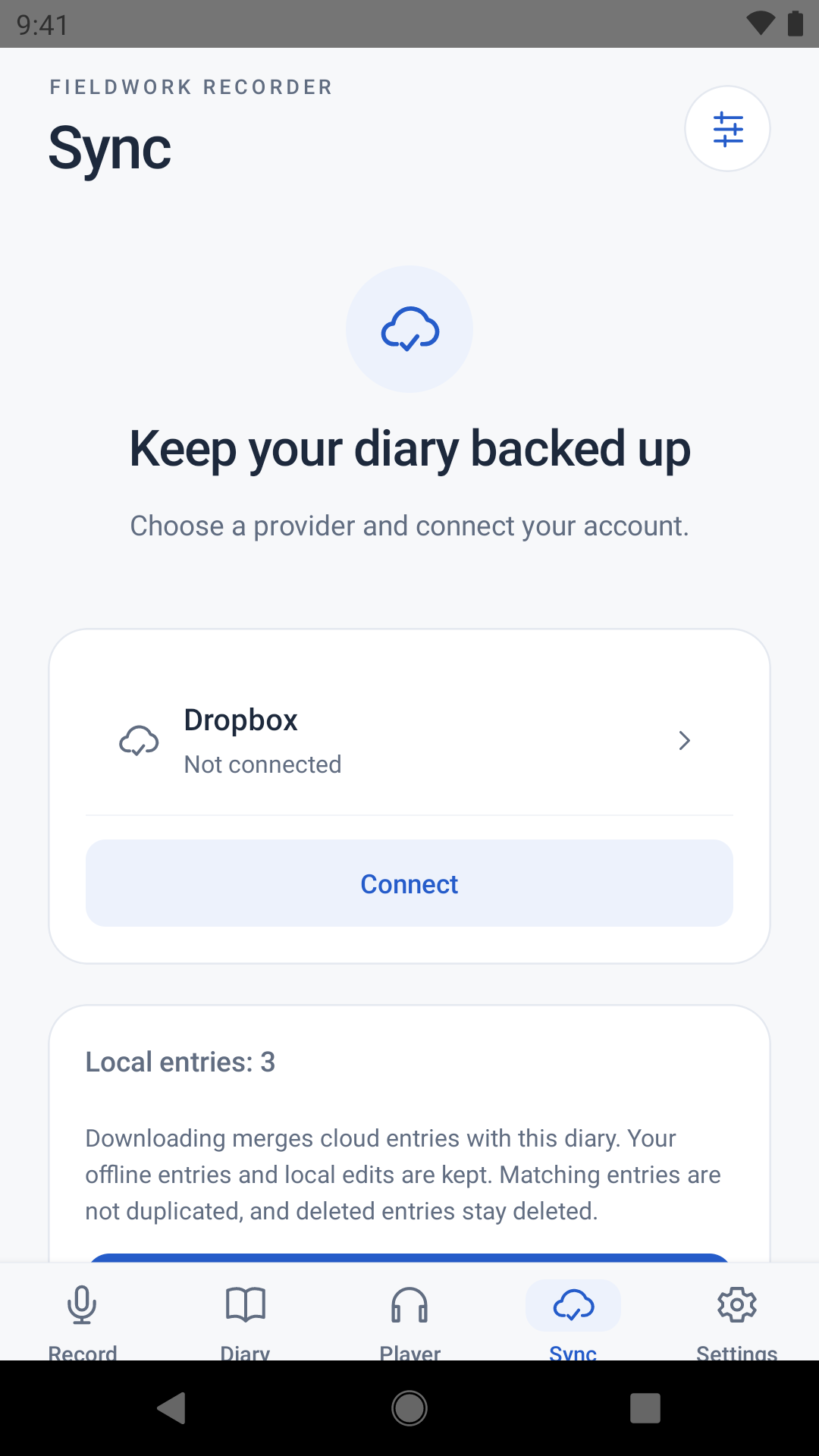
Sync or export records
Connect a supported cloud account and choose which parts of each entry to sync. A provider connection is not needed for local recording and diary use.
Archive export creates a separate copy for backup or transfer.
Sync, backup and export guide03 — Data and storage
Local records and optional transfers
On-device storage
Recordings, notes, attachments and location data are stored on your device. Belief Systems does not operate a server that collects or stores your diary content. No Fieldwork Recorder account is required.
Cloud sync
If enabled, sync transfers the selected entry data to the account you connect. Supported providers include Dropbox, Google Drive, OneDrive, Box and WebDAV-compatible services. iCloud Drive is available in compatible iPhone and iPad builds.
Files and archives
Current builds record M4A audio and store notes as Markdown. Full diary export produces a ZIP archive containing a manifest and entry folders. Keep the full archive when transferring notes and attachments with the recordings.
04 — Practical notes
Scope and platform differences
Offline use
Recording, notes, attachments and diary browsing work on the device without an internet connection. Cloud transfers and online map tiles require a connection. GPS capture requires location permission and a usable position fix.
Background and long recordings
Background behaviour depends on operating-system permissions, battery settings and the device. Android builds include a Safe long recording option that saves recoverable audio parts during a session. See settings and reliability for configuration and recovery instructions.
Transcription and analysis
The app records, organises and plays back field records. It does not automatically transcribe interviews or provide qualitative coding or automated analysis of their contents.
Previous app names
Fieldwork Recorder was previously called Voice Voyager. The existing store listings, website address and support email are retained.
05 — Resources
Downloads and documentation
Mobile applications
Consult the store listings for current availability and device compatibility.
User documentation
For support: captain@voicevoyager.app